
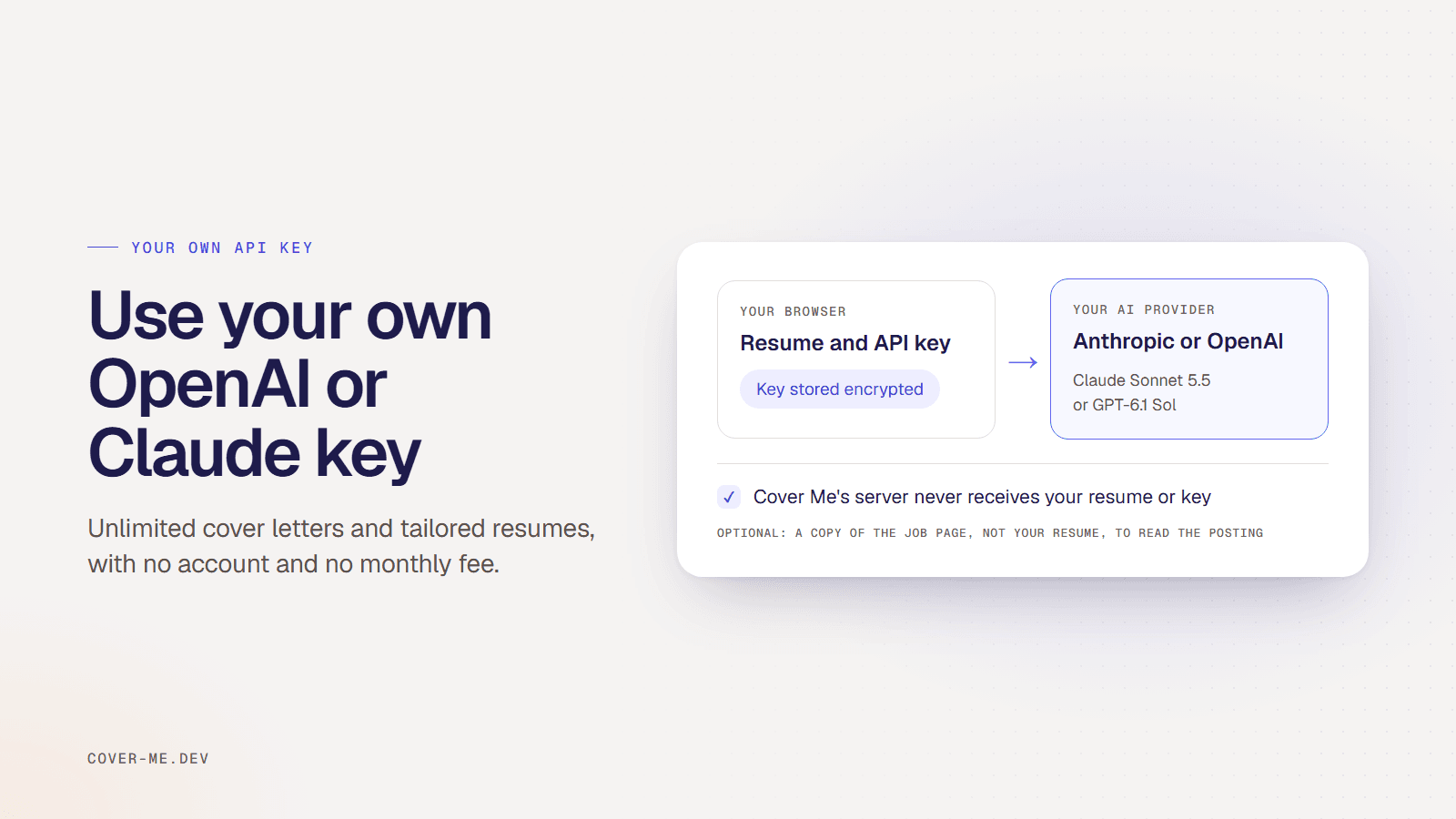
Cover Me (cover-me.dev) is an open-source Chrome extension that writes cover letters and tailors your resume with your own OpenAI or Claude API key. You get unlimited generations with no account and no monthly fee, you pay your AI provider for what you use, and your resume and key go only to that provider.
I build Cover Me. This guide explains what bringing your own key means, how to set it up, and what you give up compared with a hosted plan.
What does “bring your own key” mean?
Most AI writing tools send your text to their own servers, call an AI model on their account, and charge you a subscription. With your own key, the tool uses your account at Anthropic or OpenAI instead. You pay the provider’s per-token price directly, and the tool itself can be free.
For a job search that means three things. There’s no monthly fee and no cap on how many applications you tailor. You don’t need an account with the tool. And your resume, which holds your work history and contact details, goes to one company you chose, under that company’s API terms.
How do you set up your own key in Cover Me?
- Get an API key. Create a key in the Anthropic Console or on the OpenAI Platform, and add billing there. Setting a monthly spending limit is a good idea.
- Add it in Cover Me. Install the extension, open Settings and click "I have an API key". Choose Claude or OpenAI under AI Provider, paste the key and click Save Settings.
- Upload your resume once. Upload a PDF, DOCX or TXT file. The text is pulled out on your device and kept in the browser.
- Generate on any posting. Open a job posting and click Tailor Resume to Job or Generate Cover Letter. The request goes from your browser straight to your provider.
Get a Claude key from the Anthropic Console or an OpenAI key from the OpenAI Platform. Prices per token are on Anthropic’s pricing page and OpenAI’s pricing page.
Which models does Cover Me use with your key?
With a Claude key, Cover Me writes letters, tailors resumes and runs its accuracy checks with Claude Sonnet 5.5, and reads your resume’s structure with Claude Haiku 4.5. With an OpenAI key, it uses GPT-6.1 Sol for letters, tailoring and checks, and GPT-6 Luna to read your resume. OpenAI requests are sent with storage turned off, so OpenAI doesn’t save them to your account’s logs. OpenAI may still keep API data for abuse monitoring under its terms.
Measured in October 2026, a cover letter takes about 20 seconds, and a letter plus a tailored resume about 30 seconds.
Where do your resume and key go?
The extension calls api.anthropic.com or api.openai.com directly from your browser. Cover Me’s server never receives your resume or your key in this mode, and you can check that in the source code.
Your key is stored in the browser’s extension storage, encrypted with AES-256-GCM through the Web Crypto API. The key that encrypts it is stored beside it, so this stops casual reads of the storage file but not someone with full access to your Chrome profile.
One thing does reach Cover Me’s server if you allow it. Under Settings, “Reading job pages” sends the job page’s address and a copy of the page to the server so it can read the posting, which lets job board changes be fixed without an extension update. The server deletes the copy once it’s read. Turn it off and postings are read on your device only.
What do you give up compared with a hosted plan?
You manage a provider account, billing and a key. Your history of letters and tailored resumes stays in the browser, up to your last 50 letters and 20 tailored resumes, because the Pro dashboard that saves every application is a hosted feature. If you’d rather skip the key, the hosted free plan gives 10 generations to start, then 5 a week, and Pro is $15 a month.
Everything else is the same in both modes: the ATS score calculated from the posting’s keywords, the check that removes skills your original resume doesn’t support, and support for LinkedIn, Indeed, Greenhouse, Lever, Workday and Ashby, with paste for any other site. If you’re weighing this against pasting into a chatbot with the same key, see Cover Me vs ChatGPT.