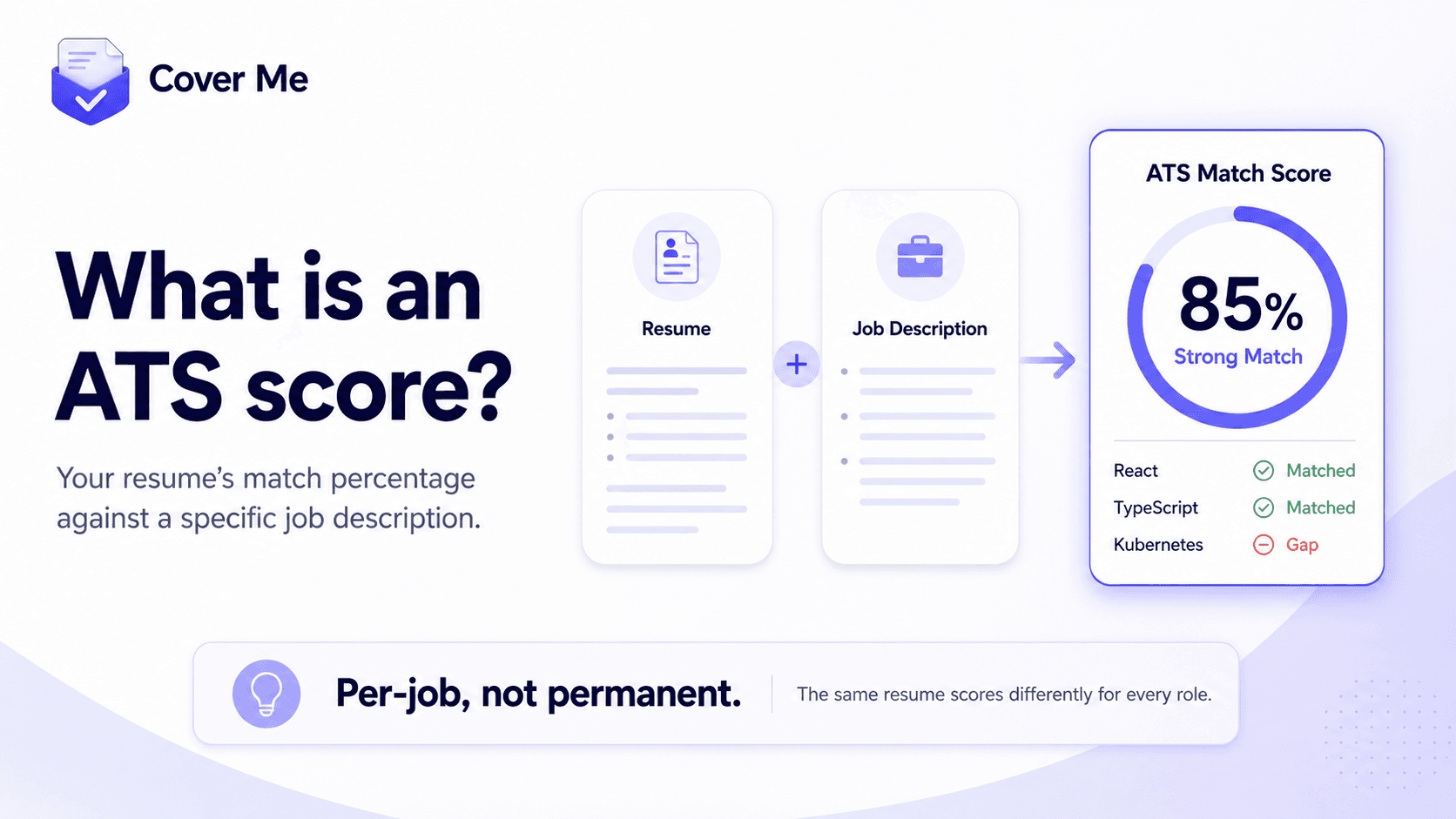
An ATS score is a percentage that measures how closely your resume matches a specific job description — the keywords, skills, and requirements an applicant tracking system (ATS) scans for when it filters candidates. A higher score means your resume is more likely to survive automated screening and reach a human recruiter.
How does ATS screening actually work?
An applicant tracking system is the software companies use to collect and manage applications — Greenhouse, Lever, Workday, and Ashby are common examples. When you apply online, your resume is parsed into structured data: job titles, dates, skills, education. Recruiters then search and filter that pool by the terms that matter for the role.
The often-quoted statistic is that over 75% of resumes never reach a human because of this filtering. The precise number varies by study, but the mechanism is real: if a recruiter filters 400 applicants by “React” and “TypeScript” and your resume says “built modern web front-ends”, you are invisible — regardless of how qualified you are.
The scoring is not mysterious. It is substantially keyword and requirement overlap: does the language in your resume match the language in the posting? That is also why the score is per-job, not a property of your resume — the same resume scores differently against every posting.
What counts as a good ATS score?
As a rule of thumb:
- 80%+ — strong match. Your resume speaks the posting’s language and should surface in recruiter filters.
- 60–79% — decent, with visible gaps. Worth tailoring before you submit: a few rewritten bullets often close the distance.
- Below 50% — either the resume needs real tailoring for this role, or the role genuinely isn’t a fit. Both are useful to know before you spend time applying.
Chasing 100% is the wrong goal. A resume stuffed with every keyword reads as spam to the human who eventually opens it — and the human is the one who schedules interviews.
How do you improve your ATS score?
- Read the posting and note the specific skills, tools, and qualifications it repeats — those are the filter terms.
- Mirror the posting’s exact wording where it truthfully describes your experience (“React” not “modern JavaScript frameworks”; “stakeholder management” not “worked with teams”).
- Rewrite your experience bullets to lead with the matched skills, keeping your real accomplishments and metrics.
- Never add skills you don’t have — a keyword that gets you the interview and fails in the room costs more than the filter ever did.
- Re-check the score after tailoring and close remaining gaps where you honestly can.
How Cover Me calculates it
The Cover Me Chrome extension does this whole loop in one click. On any job posting, “Tailor Resume to Job” rewrites your resume bullets to match the role’s keywords — without inventing skills or changing your job history — then scores the result against the posting’s requirements and lists each one as matched or a gap. You see exactly where you stand before you apply, and you can re-tailor after addressing the gaps.